

Project 2: How-To Process Brochure
Description
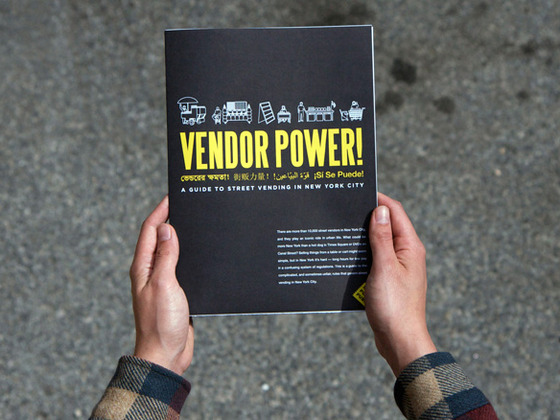
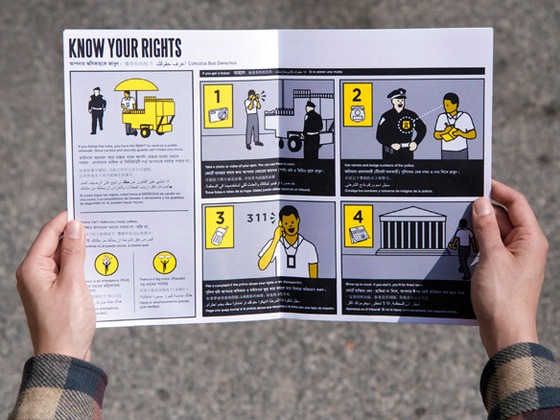
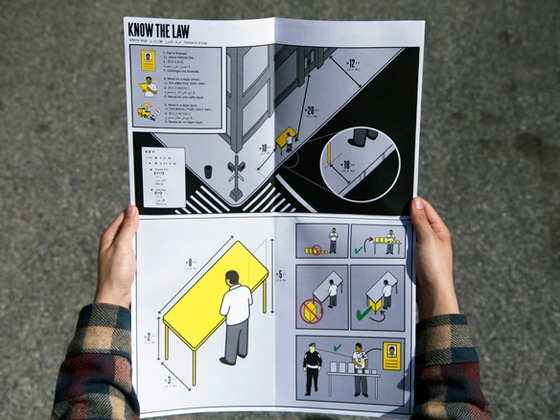
Students will be asked to create a process brochure on a detailed “How to Process.” The process brochure will include 10 detailed illustrated steps to describe the process of how to do a task. In addition to the instructions, students will create an illustrated poster that will summarize the “How To” project.
Process
+ Determine the dimensions of the panels by creating a full-size paper prototype or paper dummy
– Consider how the individual panels provide structure and flow for your content
– Determine the kind of fold you are using: Barrel fold, gate fold, accordian fold, tri-fold, french fold
+ In Illustrator create a grid layout to orangize and format your content
– Remember to make the grid visible and use guidelines to create a custom layout
+ Each step should be illustrated, you may choose to photograph each step to make sure your instructions are clear
+ Depending on your layout and flow of information you may find the back of your brochure allows you to create a poster, if this does not occur this is fine, it is important to remember that both sides of the paper should be activated and support one another
Specifications
1. Images will be illustrated using a method of your choosing.
Examples: Line and Dot, Flat Design, Collage, Realism, Abstract, Cartoon, etc.
2. The brochure will include a title (‘How to ____’)
3. Make use of type expressively, utilizing one font.
Consider the composition and placement of your illustration. As you are composing your brochure, aim for dynamic compositions and visual hierarchy. Think of each section and the foldout poster in relation to the sections that follow.
When deciding your color palette, there should be uniformity throughout the brochure and an intentional rational for your color choice.
Materials
+ Digital Camera/Cell Phone
+ Found Imagery
+ Bonefolder
+ Adhesive
+ Xacto knife
Final Presentation
+ 10×16 full color, 300 dpi, print and folded brochures (2)
+ 10×16 pdf file submitted to the Google Drive folder
+ File should be named How-to-_____-lastname.pdf
Example: How-to-bake-cookies-Gomes.pdf
DUE: 11.05.26
Art Elements and Design Principles
TriFold Brochure Paper Mock up
References:



Recent Posts


